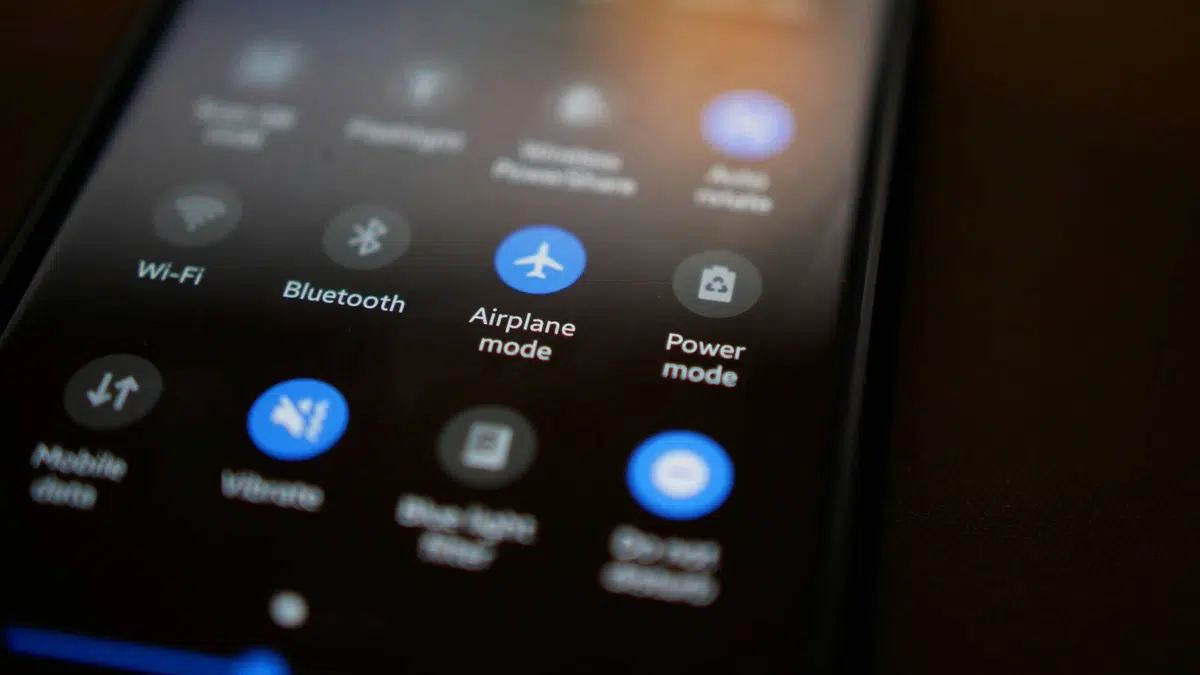
Few people know it, but disabling Wi-Fi when you leave the house is essential. Here’s how, in one simple step, you can strengthen smartphone security and protect your privacy.
A simple but restrictive tip
Smartphones have become an extension of our daily lives, and we use them constantly for anything and everything. However, while these devices are incredibly practical, they also present risks to our privacy. How many times have you unintentionally used up your mobile data at home thinking you were connected to Wi-Fi? Automatic connection to wireless networks is often underestimated by users, which can compromise the security of our smartphones without us even realising it.
The first reaction to the fear of using mobile data instead of Wi-Fi at home is to leave the Wi-Fi function on all the time. Whether out of fear of missing a connection or simple forgetfulness, keeping your phone constantly searching for wireless networks is a risky idea. It’s not just a question of unnecessary battery consumption, as modern smartphones don’t use a significant amount of energy for this function. The real problem lies in security.
Being constantly on the lookout for wireless networks or connecting to them simply because they don’t require a password, or because we’ve already saved it automatically, is a questionable practice. Although most of the time there is no problem, it opens the door to potential security breaches on your device. These risks increase as you connect to more Internet access points. By expanding the number of these connections, you unwittingly share your phone’s information with more networks, exposing your location at all times. If you’ve connected to the local cafe, the gym and then the supermarket, it’s possible that others can track your location while you’re casually wandering around.
Disable Wi-Fi at all costs!
All smartphones offer the option of disabling Wi-Fi by accessing the drop-down menu once your phone is unlocked. However, this is not enough. It’s not just a question of deactivating it visually, but also of deleting all the wireless connections to which you have been connected in the past, with the exception of those you consider essential. The fewer networks you have registered, the less you expose your phone to potential problems.
For Android users, it’s crucial to combine deleting unnecessary networks with an extra step. These systems use both Wi-Fi and Bluetooth for location, and one important feature deserves special attention: even when you manually turn off these services, your phone can still search for nearby networks or devices. It’s imperative to uncheck both options, which you’ll find in the settings under “Location.”
If you don’t have enough data for carefree use away from home, it’s a good idea to check your usage and package. If you just plan to listen to music on Spotify, do a few Google searches and send messages on WhatsApp, you may not need Wi-Fi. However, if you want to connect to a public network, it’s best to have a VPN installed on your phone. Google includes a free VPN in its Pixel range.
A VPN, or virtual private network, creates a secure, encrypted connection between your device and the server you are connecting to. This protects your data from prying eyes, providing an extra layer of security when using public Wi-Fi networks. What’s more, you can set your phone to activate Wi-Fi only in specific locations, even if that means sharing your location all the time. While this may be a concession for some, in general, operating systems such as iOS and Android offer many solutions to privacy and security issues’. However, the default configuration does not always guarantee adequate protection in this context.